

Choose self-hosted WordPress when you need flexible content management, plugin choices, or control over the hosting and development. A hosted AI builder may suit a simpler site when you want a guided setup and the provider's built-in features. AI can also be used with WordPress, so this is mainly a platform and maintenance decision.
WordPress.org's feature overview explains themes and plugins. Wix's AI builder shows a hosted generation-and-editing approach. These are different delivery models, not proof that one platform is best for every business.
Compare the responsibilities as well as the editor
| Consideration | Self-hosted WordPress | Hosted AI builder |
|---|---|---|
| Setup | Theme, hosting, and configuration | Guided generation and platform setup |
| Extensions | Plugins and custom development | Provider features and supported apps |
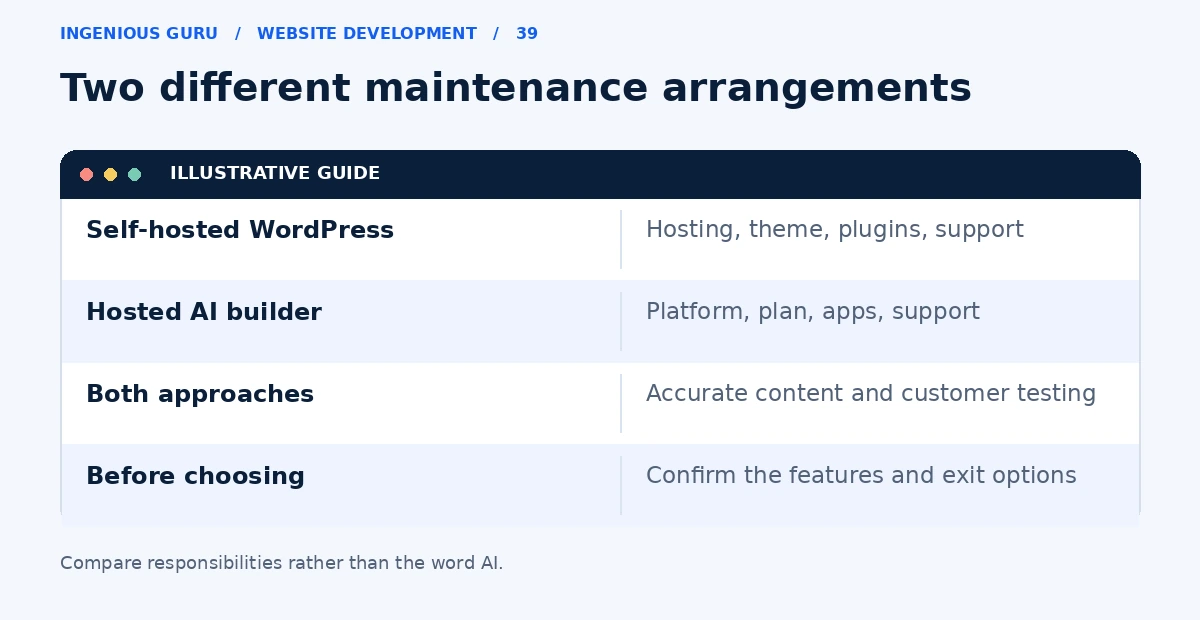
| Maintenance | Your team or provider manages it | Platform manages much of the core system |
| Moving later | Hosting and content can be moved | Export and migration options vary |
This comparison refers to self-hosted WordPress.org software. WordPress.com is a hosted service with its own plans and rules. With a self-hosted site, hosting, backups, updates, and plugin compatibility need an owner, whether that is you, a managed host, or a support provider.
List the features you cannot compromise on
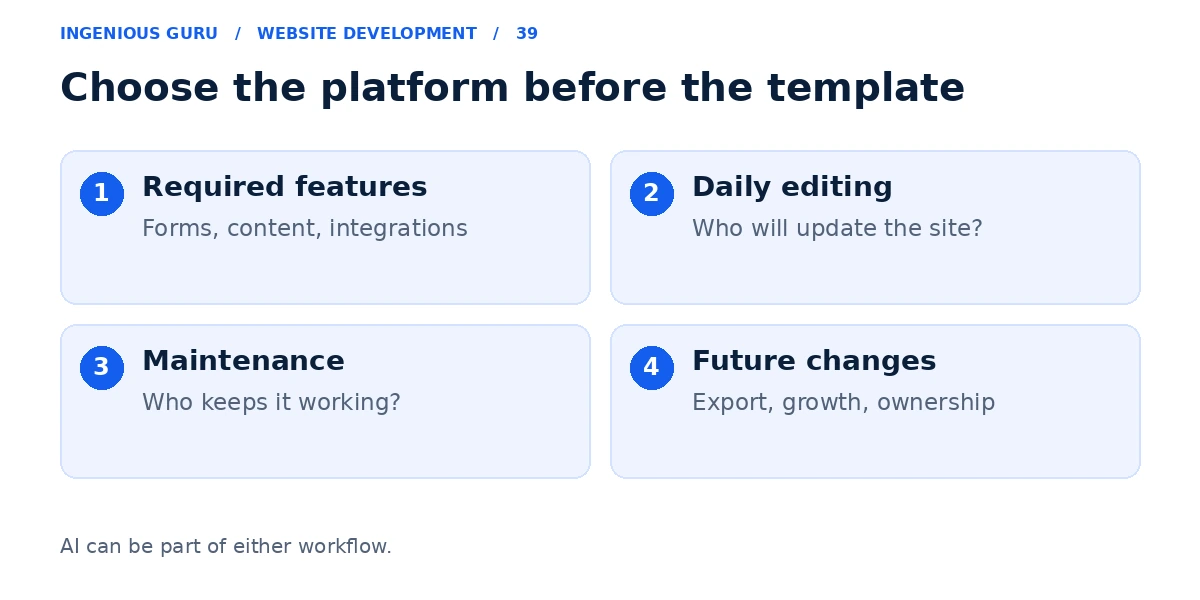
Identify the required forms, booking rules, products, content types, language support, and integrations. Check whether a hosted platform supports each requirement on the relevant plan. For WordPress, check that the selected plugins can work together and will be maintained.
For example, a consultant with a few pages and a scheduling link may be comfortable with a hosted builder. A publisher with many content types and a custom editorial workflow may value WordPress's flexibility. These are fit examples, not universal recommendations.
Test the work you will do every month
Before buying a plan or commissioning a build, try changing a service description, uploading a properly sized image, and editing a page title. The best-looking demonstration may still be inconvenient for your own team.
Ask who will keep the site working if a plugin update affects a form or if the business needs a new integration. Include that support in the total cost.
Check how you would leave the platform
Confirm what you can export, which accounts you own, and whether a future move would require rebuilding the design or functionality. Keep your domain and essential business data in accounts you control.
Use the small-business builder comparison for other options, and the website cost guide for recurring budget items.
Choose using your own requirements
- Your required features exist on the chosen setup
- The person updating the site can use the editor
- Maintenance responsibilities are written down
- Annual fees include the necessary apps and support
- You understand the export and migration options
A practical first step: Write your five most important requirements and test the two best-fit platforms against them before choosing a design template.
Ingenious Guru's website team can help compare a WordPress build with a hosted platform against your actual requirements. Tell us what the website needs to do to discuss an appropriate setup.