

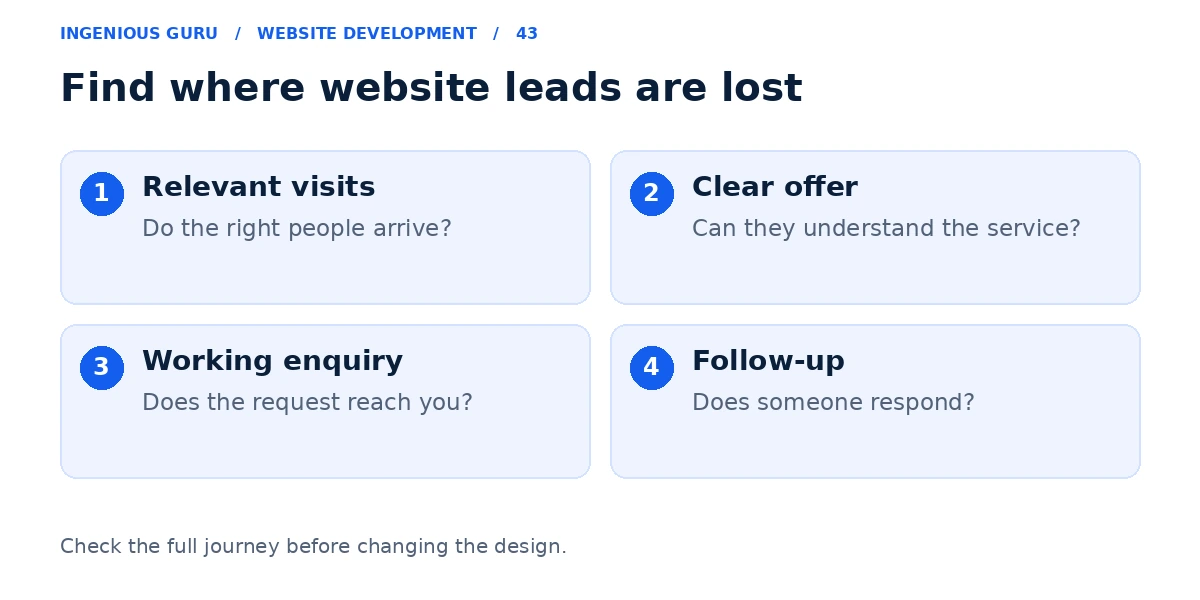
A website may fail to generate leads because it attracts the wrong visitors, gives an unclear offer, lacks credible evidence, or makes contacting the business difficult. Leads can also be lost through broken forms, failed notifications, or slow follow-up. Start by testing the enquiry journey and checking the quality of traffic.
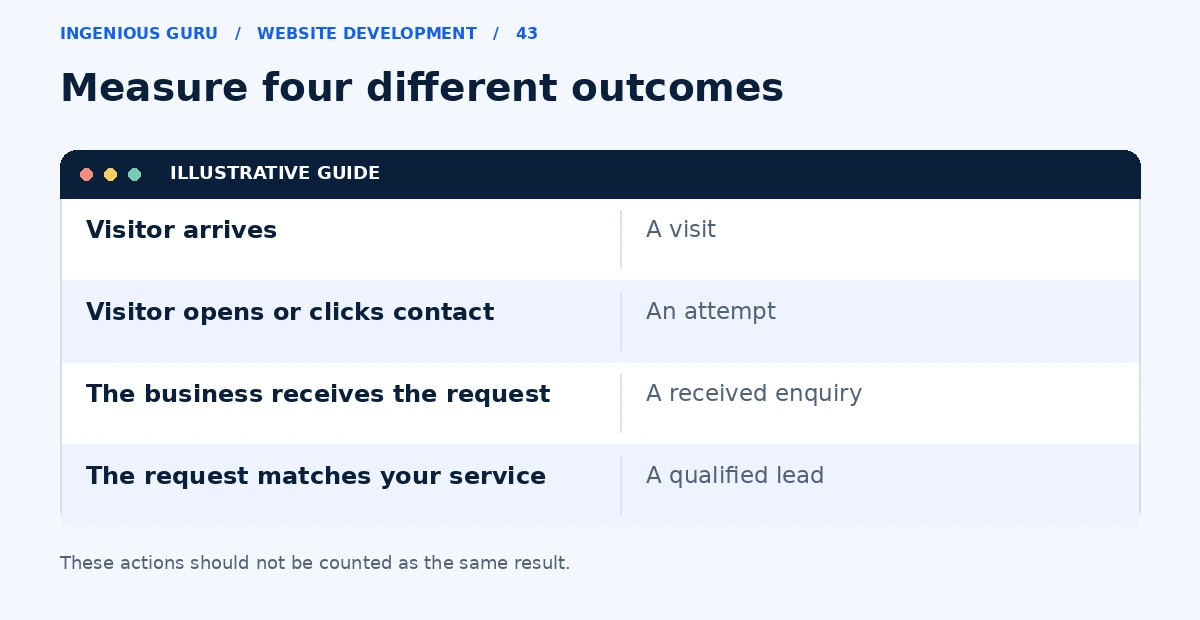
Google Analytics key events can help measure important actions. Configure and test the actions that represent actual enquiries; a page view or button click alone is not proof that a lead reached the business.
Confirm that enquiries can reach you
Submit each important form using a realistic test message. Check the confirmation screen, destination inbox, spam folder, and CRM if one is connected. Test the phone link and booking process on a real phone.
Record who receives the enquiry and how it is assigned. A website can appear to work while its notifications reach an unused mailbox or submissions remain in an admin area nobody checks.
Check whether the visitors are a good fit
Review landing pages, traffic sources, service areas, and the searches that bring people to the site. Large visitor totals can include people looking for information, jobs, or services you do not offer.
If relevant traffic is very low, changing a button is unlikely to solve the whole problem. Use the SEO resources to investigate discovery alongside the website's enquiry process.
Look for an unclear offer or missing evidence
A visitor should understand what you do, who you help, where you operate, and the next step. Replace a vague heading such as "Solutions for your success" with an accurate explanation of the service.
Show real examples of work, genuine customer feedback where permission allows, and enough process or price information to support a decision. A visitor should not need to send a message just to learn whether you provide the service.
Find the point where the journey breaks
Separate visits, contact attempts, received enquiries, and qualified conversations. If people reach the form but cannot submit it, fix the form. If enquiries arrive but never become conversations, review response time, qualification, and the offer.
Follow Google's guidance on personal information and keep names, email addresses, and message contents out of standard analytics events. Compare meaningful events with the actual enquiry records so the report reflects the business process.
Fix the largest verified issue first
Avoid changing traffic, copy, design, and pricing at the same time without a record of what changed. Begin with a reproducible fault or a clearly documented gap. Then compare qualified enquiries over a relevant period.
Once the basic journey works, read how to convert more visitors for focused improvements. A chatbot can support enquiries, but it cannot fix an unclear service or missing traffic by itself.
A lead generation diagnosis checklist
- A test enquiry arrives and has an assigned owner
- The visitors are relevant to your services and location
- The offer and next step are clear on the landing page
- Credible information answers the buyer's main questions
- Tracking agrees with received enquiries and follow-up records
A practical first step: Send a test enquiry from your phone and follow it through to a real reply. Fix any gap before investing in more traffic.
If you need help identifying where the journey breaks, Ingenious Guru's website development team can review the pages and enquiry process. Share the URL and how leads currently reach you.