

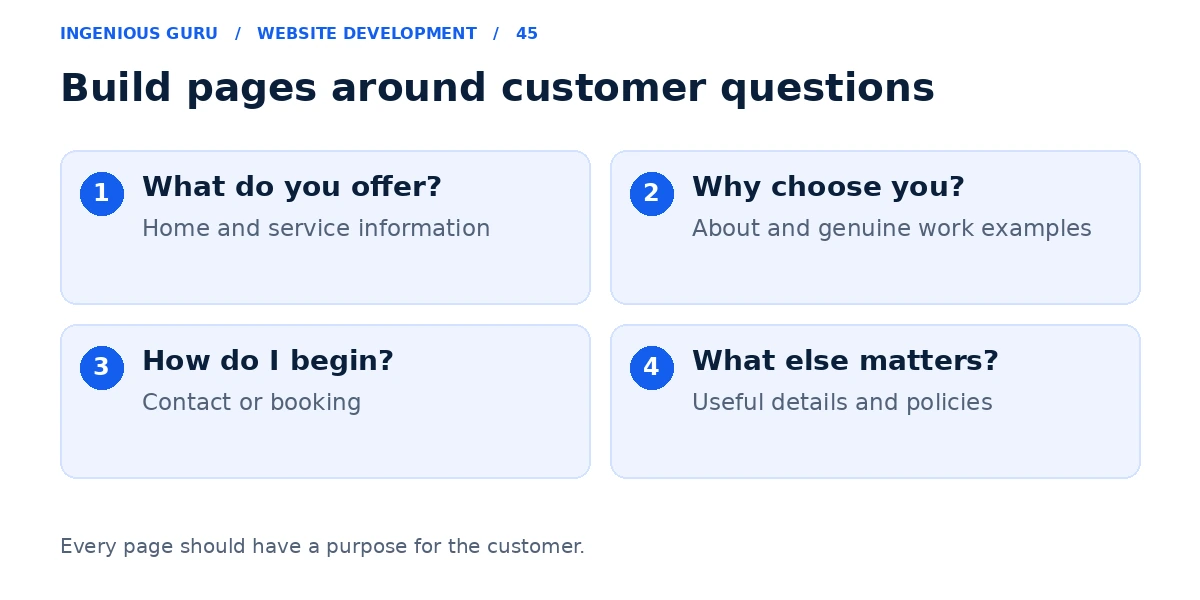
Most small business websites need a clear Home page, useful service or product information, an About page, and an easy way to contact the business. Add work examples, booking, location, and policy pages where they support real customer needs. The right page count depends on what the visitor needs to understand and do.
Google's SEO Starter Guide recommends useful content and links that help people and search engines discover pages. It does not prescribe a magic page count for a business website.
Use the home page to introduce the business
Explain the main service, audience, and location or service area where relevant. Give the visitor a clear next step and links to the important service pages. The home page should help someone choose a direction without repeating every detail on the site.
Give important services useful individual pages
Create a separate page when a service has its own customer need, process, examples, and enquiry questions. Explain what is included, who it suits, and how the customer gets started.
For example, an electrician may need distinct pages for residential rewiring and commercial maintenance if the work and buying questions differ. Several nearly identical pages with swapped keywords add less value than a clear explanation of each actual service.
Explain the business and show genuine proof
An About page can identify the company, people, experience, and approach using verifiable information. A work or case-study page can explain a real problem, the work performed, and the result you can substantiate.
If you do not have permission to publish a client name or outcome, describe your process or use your own clearly labeled demonstration. Avoid inventing testimonials, awards, or customer logos to fill a layout.
Make the contact or booking page useful
Show the contact methods that are monitored, accurate opening hours where applicable, and a short explanation of what happens after an enquiry. Add a real address only if it reflects the business arrangement, and explain the service area when customers are served elsewhere.
A business offering appointments may also need a booking page. An online store needs appropriate product, checkout, delivery, and returns information. Explain how personal information is handled and provide policies appropriate to the business.
Add pages when there is something useful to say
FAQs, resources, and genuine location pages can answer recurring customer questions. They should contain information the visitor can use, rather than exist solely to increase the number of URLs.
Review the website cost guide when planning the scope. The conversion guide can help connect each page with a sensible action.
A practical page plan
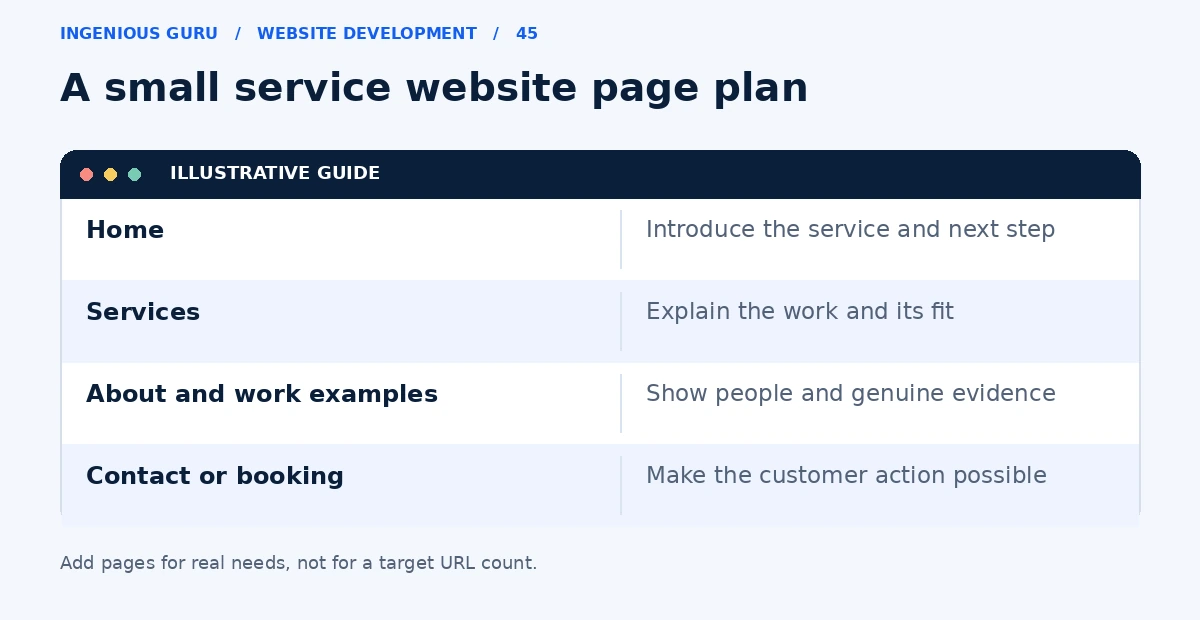
- Home introduces the business and helps visitors navigate
- Service or product pages explain the actual offering
- About and work examples provide accurate decision support
- Contact or booking gives a working next step
- Additional location, resource, and policy pages have a real purpose
A practical first step: List the five questions customers ask before contacting you. Map each question to an existing page or one planned page, then remove duplicate or purposeless pages.
If you need a page structure before design begins, Ingenious Guru's website team can help plan a site around your services and customer journey. Share your business and current page list.