

Redesign your website when its structure, content, or technology makes it difficult for customers to understand the business or complete important actions. If the problems are limited to a few pages, images, or form issues, targeted improvements may be enough. An older visual style by itself is not a reason to replace a working website.
If a redesign changes page URLs, follow Google's site migration guidance. A redesign should preserve useful content and handle moved pages carefully.
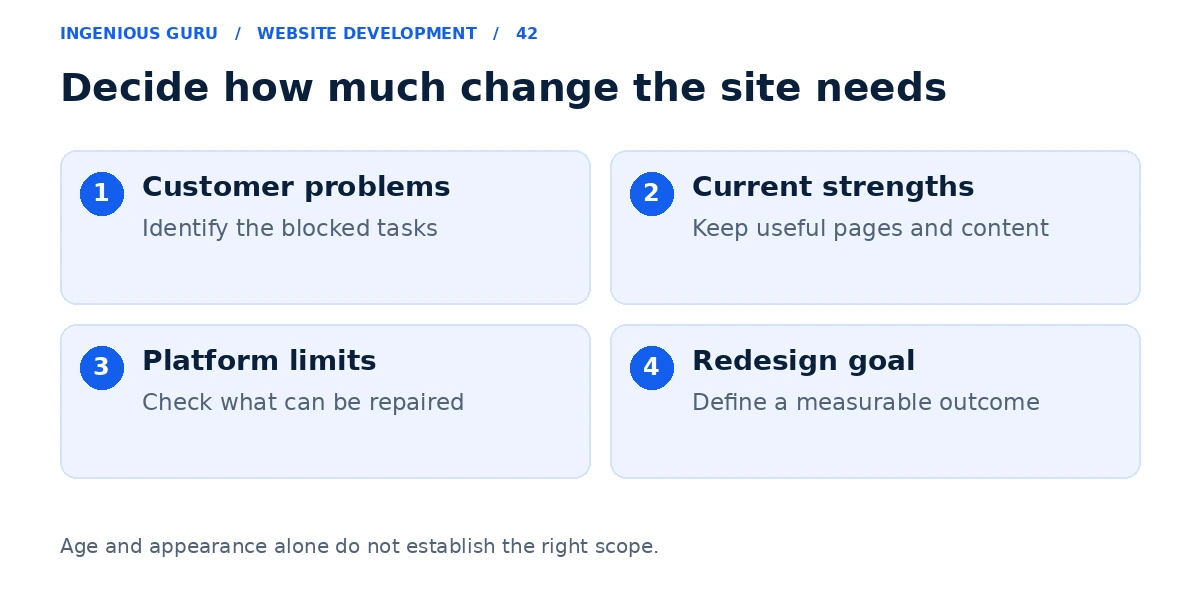
List the problems customers can actually encounter
Open the website on a phone and complete the main task. Look for confusing services, unreadable content, a broken menu, a form that does not deliver, or an appointment process that fails. Ask whether the contact details and business information are still correct.
For example, an older contractor website may need clearer service pages and a shorter quote form. If the editor and layouts can support those changes, a full rebuild may add little value.
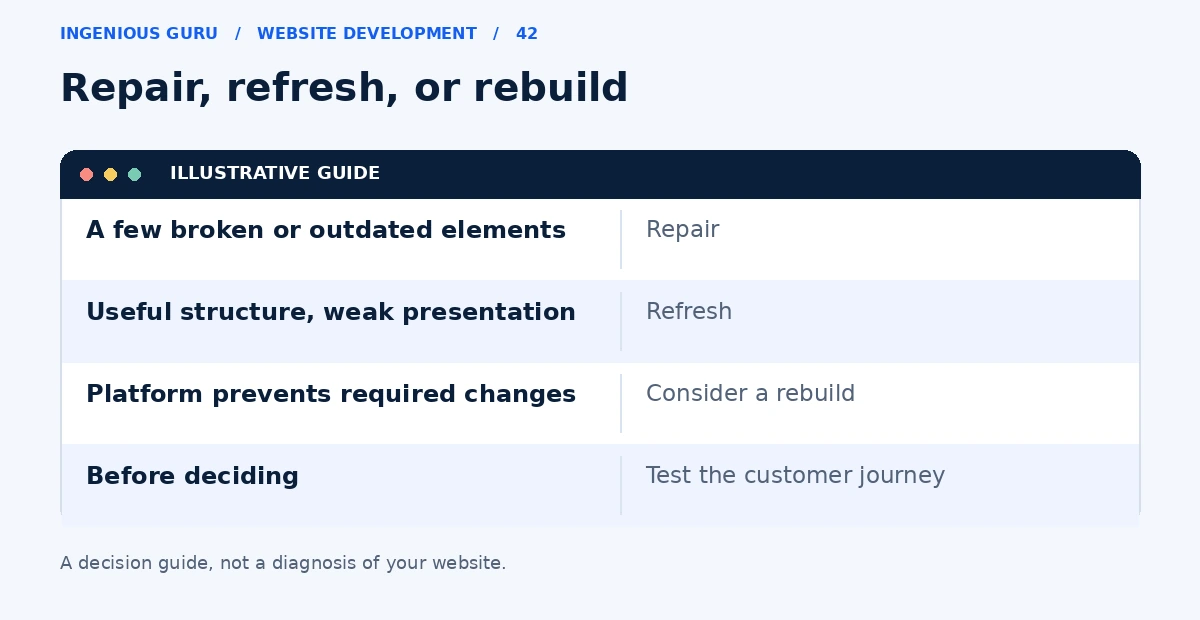
Choose the smallest change that solves the problem
| Situation | Approach to consider |
|---|---|
| A few inaccurate pages or broken elements | Targeted fixes |
| The structure works but the presentation is weak | Content and design refresh |
| The platform blocks necessary features or reliable editing | Rebuild or platform migration |
A refresh can retain the useful structure while improving typography, imagery, messaging, and forms. A rebuild makes more sense when the current system cannot support the business requirements at a reasonable ongoing cost.
Record what the current site already does well
Before changing anything, record the pages that bring relevant traffic, generate enquiries, or have useful links. Note successful service explanations, original photographs, and content customers use. Those assets should inform the new version.
If the site has few recorded leads, check measurement and enquiry delivery before treating the lack of data as evidence that the design failed. The lead generation diagnosis guide can help separate those issues.
Set a measurable redesign goal
Replace "make it modern" with a clear outcome: customers can request a quote on mobile, staff can edit services, or bookings reach the correct calendar. Define the launch checks and how you will compare enquiries before and after the work.
Use the redesign process guide when you are ready to discuss the project. For performance issues, start with website speed improvements.
Signs that justify a closer redesign review
- The mobile journey prevents a useful customer action
- Important information is missing or consistently hard to find
- The editor cannot support required content or integrations
- Recurring problems take disproportionate effort to repair
- You have a clear business goal for the new version
A practical first step: Write down five specific problems and ask whether each can be fixed in the current setup. Use the answers to decide between repair, refresh, and rebuild.
Ingenious Guru can review your existing website and discuss which approach fits the problems you have identified. Send the URL and your priorities to begin that conversation.