

Help more relevant visitors take action by making the offer clear, answering the questions that delay a decision, and providing an easy enquiry or booking path. Improve the most important landing page first. Measure completed enquiries and their quality so you can judge whether the change helped the business.
The W3C forms tutorial explains useful form practices such as clear labels, instructions, validation, and feedback. Google Analytics key events can support measurement of the important completed actions.
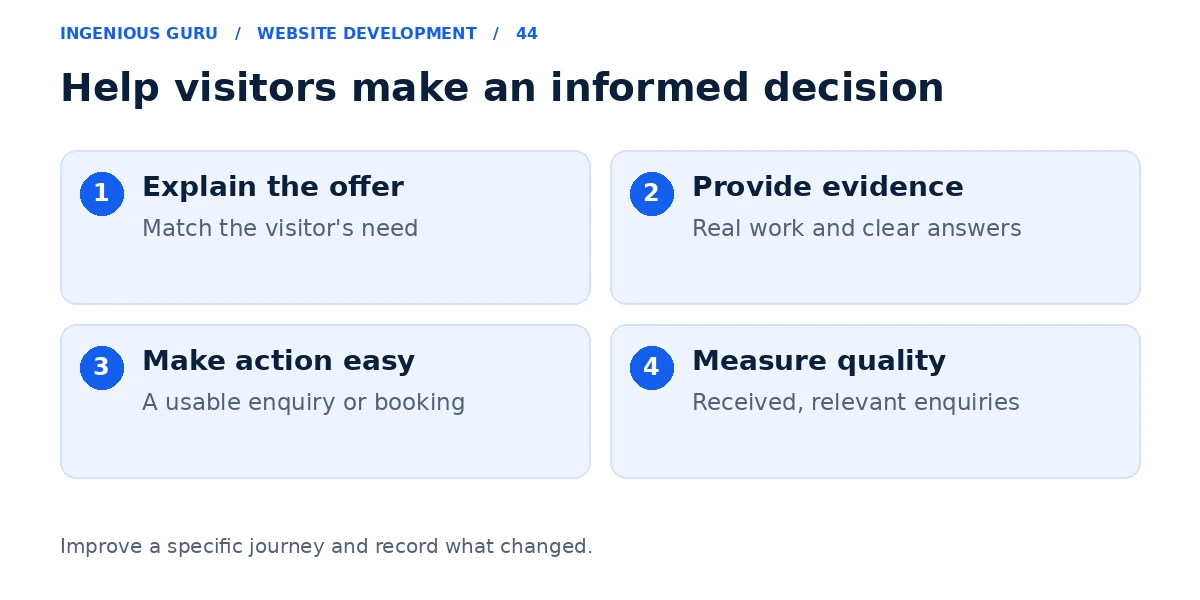
Make the page match the reason for the visit
A visitor clicking an ad for a specific service should land on a page explaining that service. Show an accurate headline, the audience or area served, and a useful next step near the beginning.
For example, "Request a kitchen remodeling consultation in Queens" explains the action better than "Discover our solutions" when that is the service and location you genuinely provide. Match the language to the customer's actual request.
Answer the questions that create hesitation
Explain what is included, who the service suits, how the process works, and what happens after the enquiry. If pricing varies, explain the factors and the information needed for an estimate.
Use relevant work examples and genuine evidence close to the decision point. A long wall of generic testimonials is less useful than a specific, verifiable example that helps the visitor judge the service.
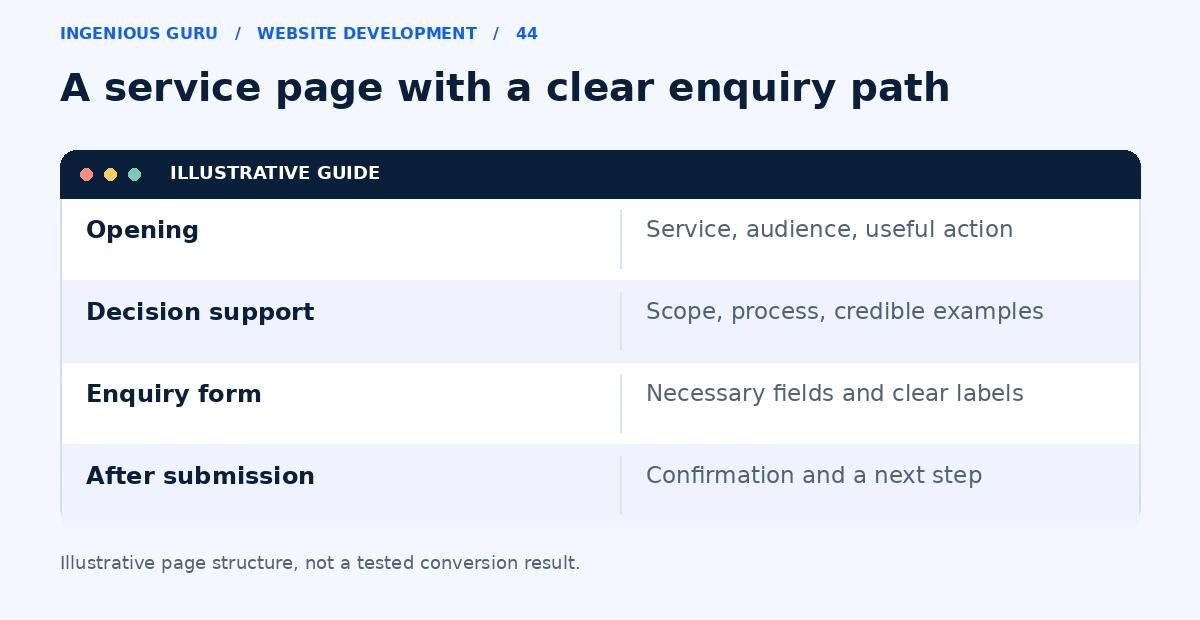
Use a clear primary action
Choose the action that fits the page: request a quote, book an appointment, or ask a specific question. Supporting options such as calling can remain available, but the page should make the main path easy to recognize.
Explain the next step. If a team member will review the request, say that rather than implying the form guarantees a price or appointment. Avoid invented urgency and promises the business cannot consistently meet.
Make the form usable
Ask for the information you need to respond or qualify the enquiry. Keep additional questions only when they have a clear purpose. Use visible labels, understandable error messages, and a confirmation that tells the visitor what happens next.
Test the form on a phone and with a keyboard. Check that overlays and chat widgets do not cover fields or the submit button. For appointment-led businesses, compare a form with an online booking journey.
Measure a change against a defined goal
Record the original page, the change, the date, traffic source, and the desired action. Calculate enquiry rate using completed enquiries divided by the relevant page visits. Also track whether those enquiries match the business.
For low traffic, review individual customer journeys and actual enquiry quality instead of declaring a winner from a handful of visits. If you cannot reliably measure submissions, begin with the lead diagnosis guide.
A focused conversion improvement checklist
- The opening explains the specific service and customer
- The page answers the main buying questions
- Relevant, genuine evidence supports the offer
- The primary action works on mobile and with a keyboard
- Completed enquiries and qualification are recorded
A practical first step: Choose one important service page. Clarify its opening offer and next step, test the enquiry flow, and record the change before evaluating its results.
Ingenious Guru can help review the design, messaging, and enquiry path on your important pages. Share the page and the action you want visitors to take to discuss focused improvements.