

Yes. ChatGPT can help plan your website, write draft content, generate HTML or application code, and revise the result. Some supported workflows can also create previews and deploy a website. What is available depends on the product, account, and connected tools. You still need to verify the information, connect real business functions, and confirm how the live site will be maintained.
OpenAI's official ChatGPT workflow collection includes website creation and deployment workflows. Check the setup of the workflow you are actually using rather than assuming every ChatGPT session has the same publishing capabilities.
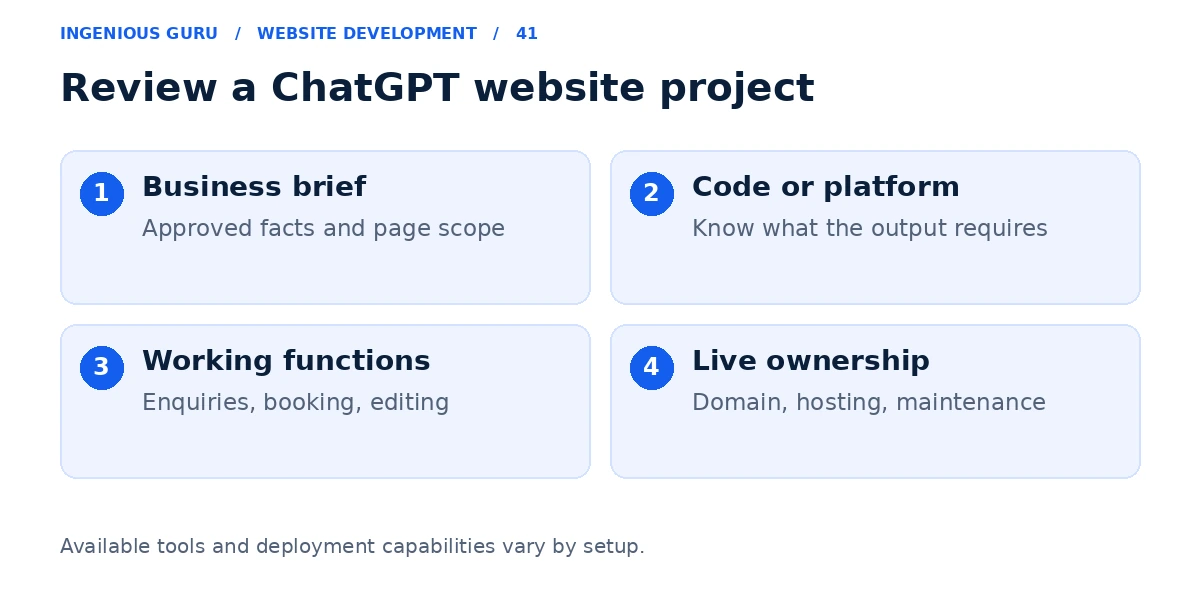
Explain the business and the required outcome
Provide the services, audience, service area, approved images, brand style, page list, and primary action. Tell ChatGPT to identify missing information. It should not manufacture testimonials, staff, addresses, or performance claims.
A useful brief might ask for a mobile-friendly four-page electrician website with accurate service information and a quote form. Specify that the form must use a working delivery system and that secrets must not appear in browser code.
Understand the difference between a preview and a live function
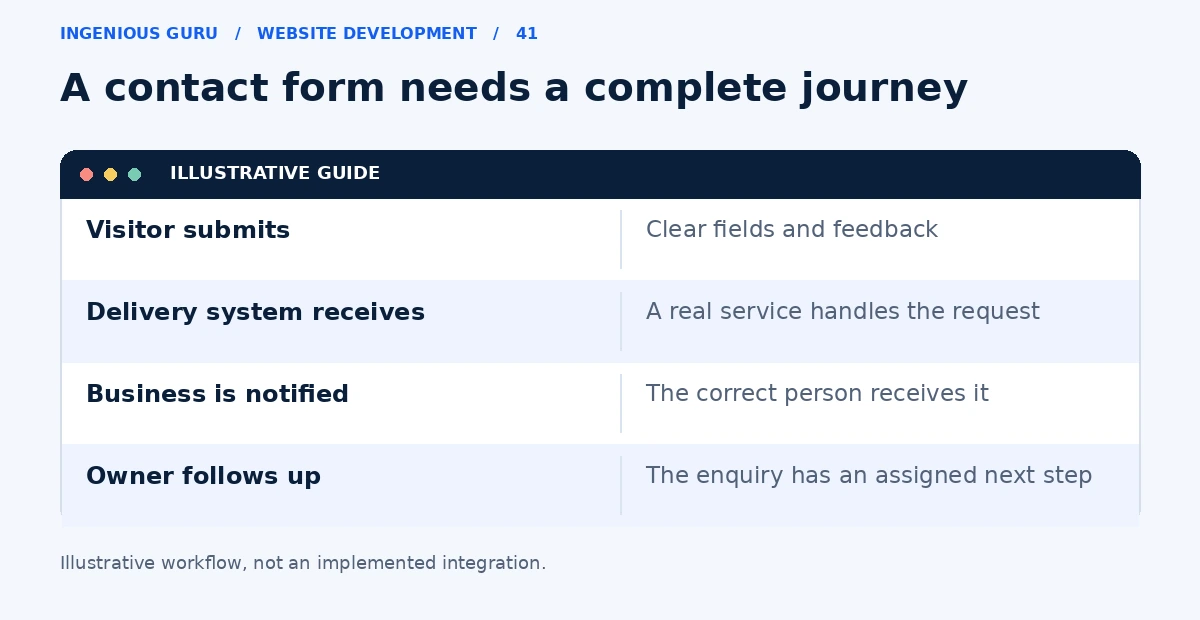
A generated form can look finished without sending an enquiry. A booking button can open a mock calendar without reserving a slot. Ask where submissions are stored, how notifications are delivered, and which service handles each action.
If the project produces static files, confirm where they will be hosted and how the domain connects. If it produces an application, identify the server, database, and configuration it requires. A deployment preview also needs production checks.
Check the result as a customer and an owner
Test navigation, forms, confirmation messages, phone links, and the layout on a real phone. Review the code and settings with someone who understands the chosen stack before relying on sensitive or business-critical functions.
Also try editing the website after launch. Generated code may be a poor fit if your team needs to update services without working in code and the project has no suitable content editor.
Keep the useful work and choose an appropriate setup
You can use ChatGPT for page planning and copy while publishing through WordPress or a hosted builder. Alternatively, a developer can turn generated code into a supported custom site. Choose the route around ownership and ongoing updates.
Read Can AI build my business website? for the broader review process, and how to add online booking if appointments are part of the project.
Questions to resolve before using the site
- Where will the live site run and who owns its accounts?
- Do forms deliver real enquiries to the correct place?
- Are private credentials kept out of public browser code?
- Can your team update normal business content?
- Who will handle backups, fixes, and future changes?
A practical first step: Ask ChatGPT to create a page plan and one working customer journey. Review that small version before asking it to generate the entire website.
If you already have ChatGPT-generated code or a preview, Ingenious Guru's development team can help assess what is needed for your intended live website. Share the project and its requirements.