

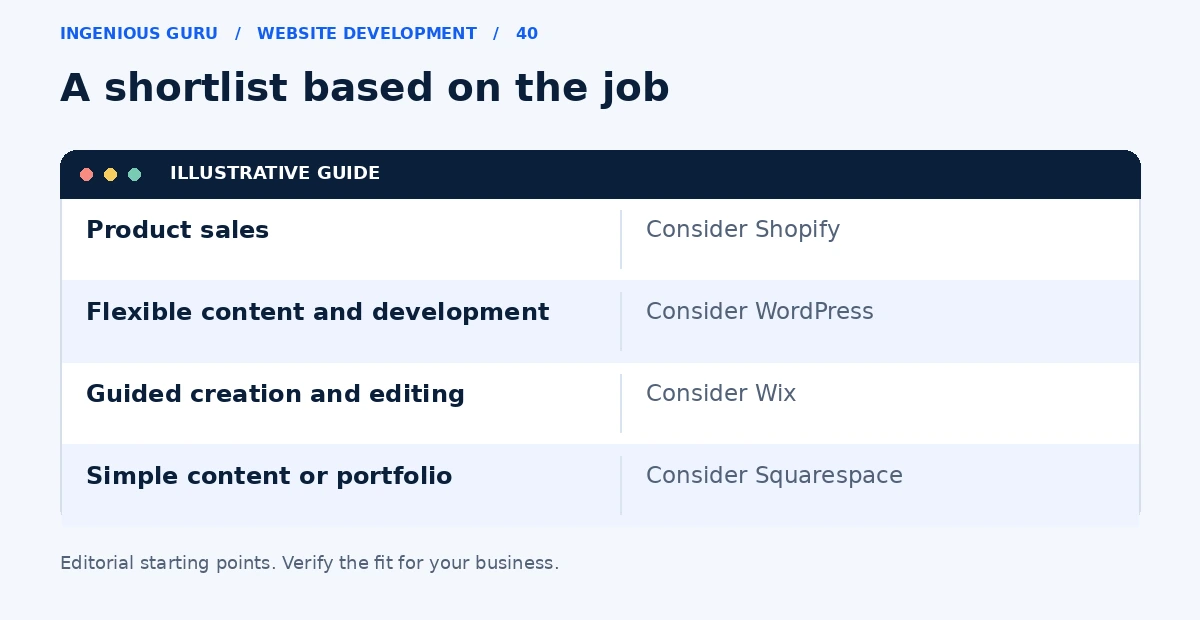
The best website builder is the one that supports your business's main job and is manageable for the person updating it. Shopify is worth considering for product sales, WordPress for flexible content and development, and Wix or Squarespace for many straightforward service or portfolio sites. There is no single best platform for every small business.
The comparison below uses the providers' own feature descriptions: Shopify, WordPress, Wix, and Squarespace. The suggested fits are editorial recommendations, not a performance test or a ranked benchmark.
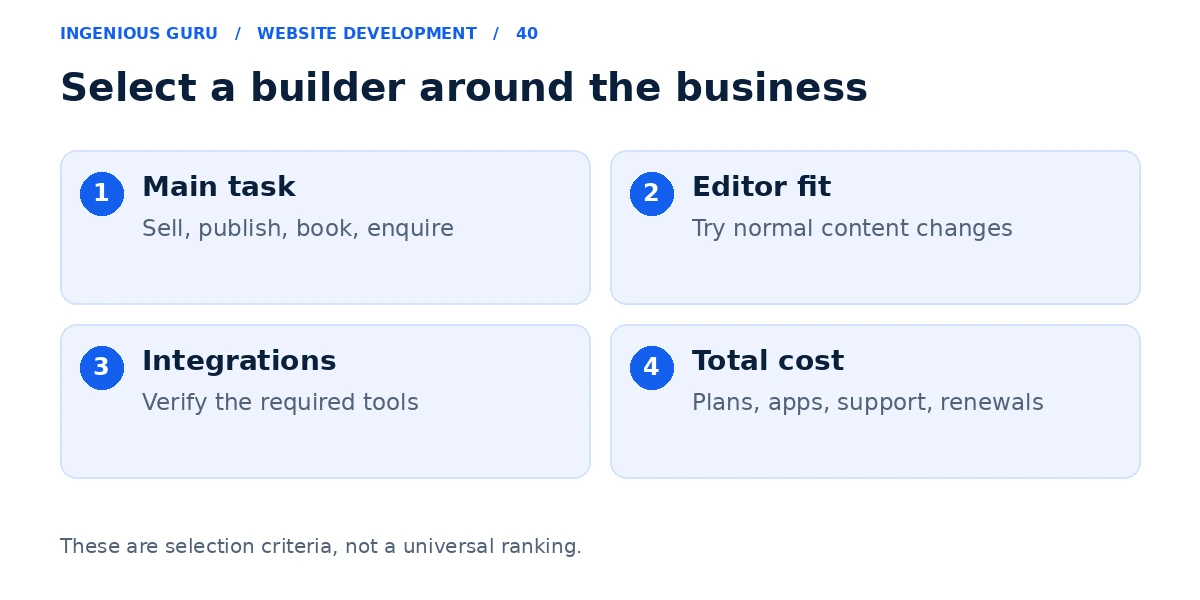
Match the platform to the main business task
| Platform | Worth considering when | Check before committing |
|---|---|---|
| Shopify | Products and order management are central | Payments, shipping, apps, and recurring fees |
| WordPress | Content structure or custom development matters | Hosting, plugins, backups, and maintenance |
| Wix | You want guided creation and visual editing | Plan features, integrations, and export options |
| Squarespace | You need a straightforward content or portfolio site | Scheduling, commerce, editing, and integration needs |
A builder recommendation should start with a task. A shop needs reliable product and order workflows. A contractor needs useful service information and a clear enquiry path. A portfolio needs work that is easy to browse and update.
Try a real task in the editor
Create a service page, replace an image, edit the menu, and check the mobile layout. Ask the employee who will manage the site to try those tasks too. This exposes editing problems that a template gallery cannot show.
If a platform requires a workaround for your main business process, record the extra app, monthly fee, and support work. A small-looking limitation can become expensive when it affects everyday operations.
Compare the complete ongoing cost
Check the appropriate plan, domain renewal, booking or ecommerce add-ons, transaction-related charges where relevant, and support. A free trial or attractive introductory offer does not establish the cost of running the finished site.
Keep the comparison current by checking live pricing at the time of purchase. Avoid choosing a platform solely because one article calls it the cheapest.
Know when a builder needs developer support
A hosted builder can still need professional design and integration work. Complex permissions, unusual databases, or custom customer workflows may require development beyond its standard features. Explain those requirements before selecting the platform.
If you are comparing two creation approaches, read WordPress or an AI website builder. Use the required website pages guide to plan the content.
A useful builder selection checklist
- It supports the main customer action
- Your team can make normal content changes
- The required integrations are available
- The full recurring cost is understood
- You can access your data and understand migration limits
A practical first step: Pick two platforms that match your main requirement. Build the same sample page and test the same enquiry, booking, or buying task in each.
If you need a decision before investing in a build, Ingenious Guru can help turn your requirements into a suitable platform and page scope. Share your business model and required features.