

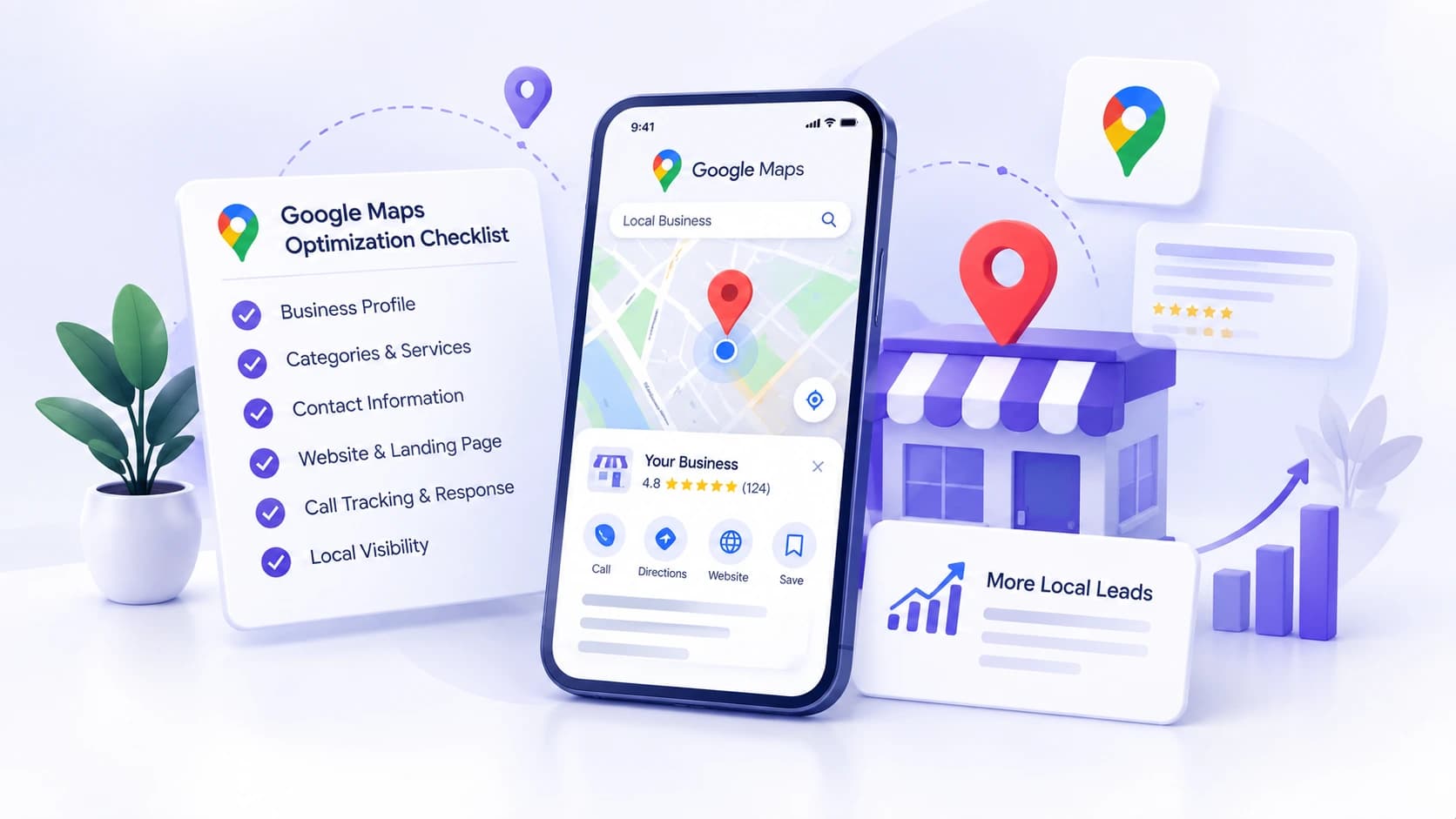
Google Maps optimization starts with an accurate Google Business Profile, relevant categories and services, and a clear way for customers to contact you. To generate leads, you also need to check what happens after someone finds your listing: whether they understand your offer, reach the right website page, and receive a response.
A plumber can appear in local results and still miss inquiries because the phone goes unanswered. A salon can earn website clicks that lead to a confusing booking page. Before making another profile edit, identify where potential customers are getting stuck.
Use the checklist below to review local visibility and the customer journey together.
Start with the problem you can observe
Compare your profile data with website analytics and your inquiry records. These symptoms suggest different starting points.
| What you notice | What to check first |
| Few people find the profile | Primary category, listed services, verification, and search location. |
| People view it but rarely contact you | Clarity of the offer, hours, photos, reviews, and contact options. |
| Website clicks produce few inquiries | The destination page, mobile usability, and form or booking process. |
| Call clicks produce few qualified leads | Answered calls, missed calls, service availability, and follow-up. |
Treat this as a starting diagnosis. Several issues can occur at the same time, and the numbers alone may not explain the cause.
Understand what affects Google Maps visibility
Google explains that local results mainly depend on relevance, distance, and prominence. Relevance concerns how well a business matches the search. Distance concerns its location relative to the searcher. Prominence concerns how well known the business is; Google mentions reviews and links to the business among the information it considers. See Google’s local ranking guidance.
This makes a location-aware review more useful than checking one keyword from one device. Record the search term and the location used when comparing results. Someone across town may see a different order of businesses.
1 Check your business details and profile access
Confirm that the profile is verified and that the business owner can access it. Then review the information a customer needs before calling or visiting.
- Use your actual business name as represented in the real world.
- Check the phone number, website link, and customer-facing hours.
- Review holiday hours before upcoming closures.
- Confirm that the address or service area describes how your business actually operates.
Do not add city names or service keywords to the business name unless they belong to the real name. Google’s business representation guidelines also exclude a rented mailing address where the business does not operate. Correct factual errors before experimenting with promotional wording.
2 Match categories and services to the work you sell
Choose the most specific available primary category that describes the core business. Add secondary categories only when they accurately describe other parts of it. Google says categories affect local ranking; its category guidance also warns that changing a category can trigger another verification request.
For example, a plumbing business should review whether its chosen category represents plumbing rather than a broader description of home services. This is an illustrative check, not a recommendation to add categories for every job it can perform.
Where the services editor is available, list the work customers can actually book. A plumber might describe drain cleaning, leak repair, and water heater installation. Google can highlight a listed service when it matches a search; see its services editor guidance. Keep service descriptions specific and consistent with what your website offers.
3 Set service areas that reflect your operations
If you travel to customers and do not serve them at your business address, Google instructs you to remove the publicly displayed address and use a service area. A business that both receives customers and travels to them can use both an address and a service area. Follow Google’s service-area instructions.
List the places your team can realistically serve. Adding a city to this field does not move your business closer to searchers there. Because distance remains part of local ranking, treat broader visibility as something to measure rather than something a service-area edit guarantees.
4 Help customers evaluate the business
Review your profile as someone deciding whether to contact you. Use genuine photos that answer practical questions: what the entrance looks like, what the team does, or what a completed job looks like. Get permission before using identifiable customers or their properties.
Ask customers for honest feedback through your Google review link or QR code. Google provides these options in its review collection guidance. A simple request could be: “Thank you for choosing us. If you would like to share your experience, you can leave an honest review here.”
Send the request consistently rather than selecting only customers you expect to leave a positive review. Avoid discounts, gifts, pressure, or instructions to include particular keywords. These practices conflict with Google’s fake engagement policy. Reply to feedback professionally and keep private customer details out of public responses.
5 Test the website page linked from your profile
Open the profile’s website link on a phone. Does the destination clearly identify the business, explain the relevant services, and show how to contact the right location? A visitor should be able to answer those questions without searching through the menu.
- Check that the page describes the services promoted in the profile.
- Make the phone number easy to tap and the next step easy to find.
- Explain the area served and any important booking requirements.
- Submit a test form or booking request and confirm that your team receives it.
Keep the profile link pointed to a page representing the actual business or location. Choose a relevant destination based on the customer’s needs, then verify that it works. A profile edit cannot fix a broken form or a booking calendar with no available appointments.
6 Measure inquiries beyond profile clicks
Google Business Profile performance distinguishes several actions. Its calls metric counts clicks on the call button, not completed conversations. Website clicks count clicks on the website link, while direction requests do not prove someone arrived. Google also says performance reporting can include actions from organic results and Google Ads. Check the performance metric definitions before drawing conclusions.
Alongside those figures, record calls received, forms received, qualified inquiries, and booked work. Define a qualified inquiry for your business, such as a customer requesting an offered service within your coverage area. Compare equivalent periods and note changes in staffing, opening hours, advertising, or seasonal demand.
For website traffic, a tagged link from the profile can make visits easier to identify in Analytics. Google’s campaign URL guidance explains UTM parameters. One illustrative tagging convention is utm_source=google, utm_medium=organic, and utm_campaign=gbp. Apply campaign tags to the external profile link, and keep the destination functional.
If you need a wider measurement plan, read our marketing ROI and campaign tracking guide. Connecting traffic with inquiry outcomes helps you decide which change deserves attention next.
When professional Google Maps optimization makes sense
You can complete many basic checks yourself. Professional help becomes useful when you need to coordinate profile accuracy, categories, local website pages, review requests, and reporting, especially across several genuine business locations.
If those tasks are difficult to manage consistently, Ingenious Guru’s google map optimization services cover profile auditing, business information, categories and services, and performance monitoring. Discuss the specific issues affecting your profile so the work starts with a clear scope.
Ask a provider to explain the baseline, planned changes, reporting method, and how you retain control of the profile. Google’s guidance on working with third parties explains that Business Profile itself is free, while a provider may charge for management. Be cautious about promises of a guaranteed ranking position.
Frequently asked questions
Is Google Maps optimization free
Google Business Profile is free. You can review and improve your own listing. An agency fee pays for the work it performs, such as an audit, profile management, website improvements, or reporting; ask what is included.
Will adding more service areas improve my ranking
Service areas describe where you work. They do not guarantee visibility in each city listed. Review relevance, distance, and competition when assessing results in a particular area.
Should I focus on rankings or leads
Track both. Rankings help you assess visibility for relevant searches. Qualified inquiries and booked work help you judge the business outcome. Improving the contact process can be valuable even before your search position changes.
How should I evaluate progress
Keep a dated record of edits and compare relevant searches from consistent locations. Review profile actions alongside website traffic and actual inquiries. If views rise but leads do not, test the offer and contact process before making more profile changes.
Choose your first improvement
Start with the clearest obstacle: an incorrect phone number, a misleading category, a failed form, or missed calls. Fix it, record the change, and review what happens. That gives the next decision a useful basis.
For help reviewing your profile and the path to an inquiry, explore Google Business Profile optimization from Ingenious Guru. Share the profile, priority services, locations served, and the problem you want to solve.
Found this helpful?
Share it with your network.